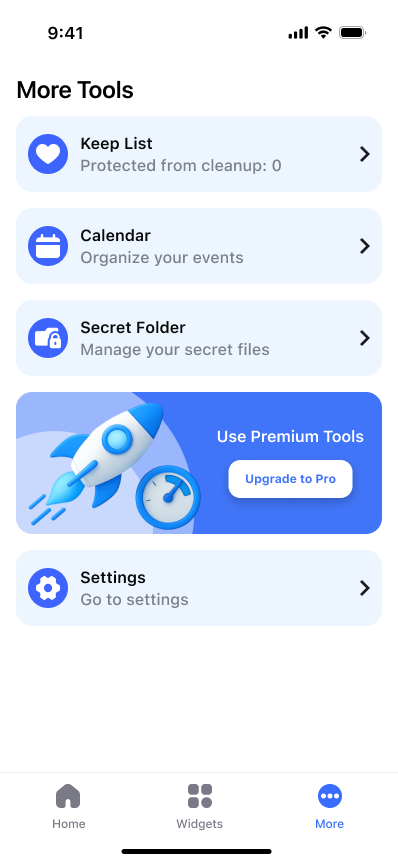
Is your iPhone constantly running out of storage?
Screenshots, screen recordings, large videos, duplicate photos, and old contacts quietly take over your device.
This doesn’t happen in one dramatic moment. It happens in tiny, “I’ll deal with it later” moments: a screen recording you forgot, ten near-identical photos, and contacts you’ll never use again.
-
The symptom: “Storage Almost Full” appears exactly when you need your phone.
-
The hidden cost: time wasted hunting for “what’s safe to delete.”
-
The fix: clean by category, review quickly, and delete with confidence.
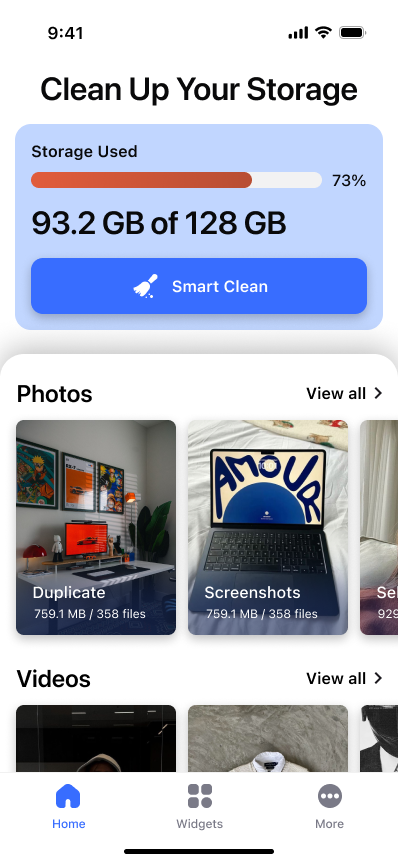
Cleaner – AI Photo Storage
Cleaner helps you bring order to your iPhone or iPad by focusing on what actually takes space.
You don’t need a dozen settings. You need a clear workflow: find high-impact clutter, review it by category, and clean with a few taps.
The goal is simple: free space, reduce chaos, and make your device feel easy to use again.
Media Cleaning Features
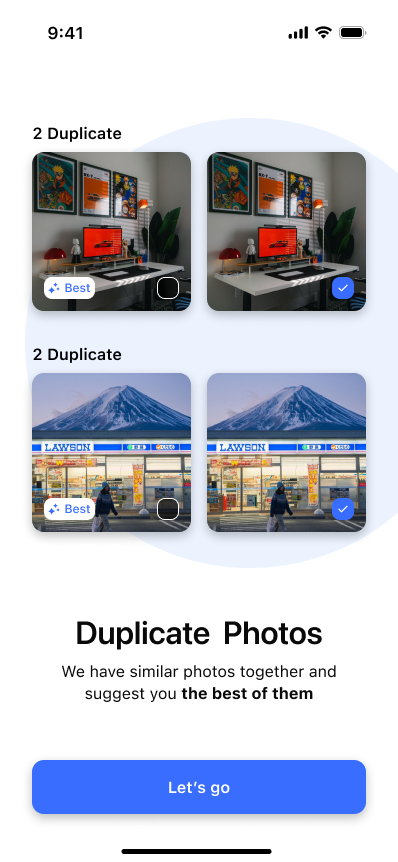
Cleaner – AI Photo Storage groups files by type and size so you can clean the right things first — without guessing.
Quickly find and delete unnecessary screenshots—the “small files” that add up.
Locate and remove old recordings you don’t need anymore, without digging.
Identify the biggest storage offenders and clean them first for instant impact.
Detect similar photos, keep the best shot, remove the rest with confidence.
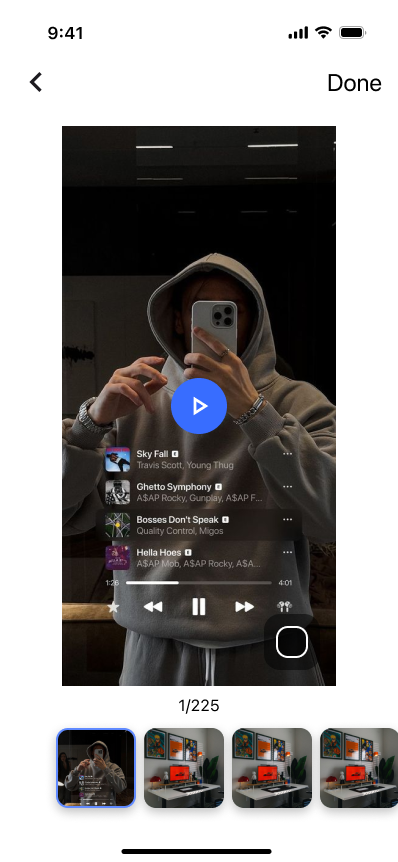
Review Live Photos and decide what to keep, without endless scrolling.
Contacts & Identity Cleanup
A messy address book makes your phone harder to use. Cleaner helps you fix it safely.
Find and manage selfies, remove duplicates, and keep only what you want.
Identify duplicate contacts, merge or remove outdated entries in a controlled flow.
Every change is backed up so you can restore data if you need to.
Cleaning should never feel risky. That’s why contact changes are designed to be reversible.